Option to Consider Grid Line Eccentricities in Modeling with StatiCAD V8
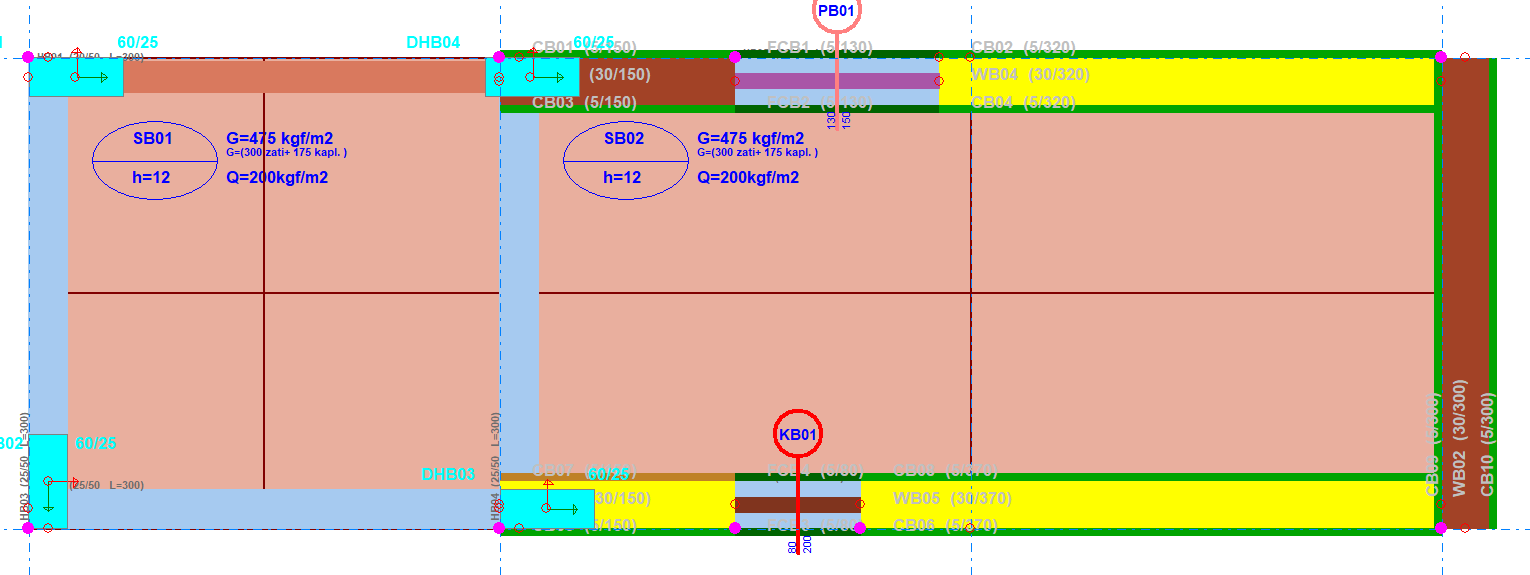
Before StatiCAD Version 8.0.2.0, when you drew walls, shear walls, beams, columns, foundation beams, windows, doors, and cladding elements by specifying grid line eccentricities, it was necessary to use the center axis generated by the program when connecting slab elements to walls and beams, and the program performed calculations using element center axes in the finite element model.
Starting from StatiCAD Version 8.0.2.0, the requirement for element intersections to be made from the center axis has been removed. Elements can now be defined from any axis (without the requirement to connect to a static axis and without creating a static axis), and calculations can be performed with eccentricities taken into account in the stiffness matrix.
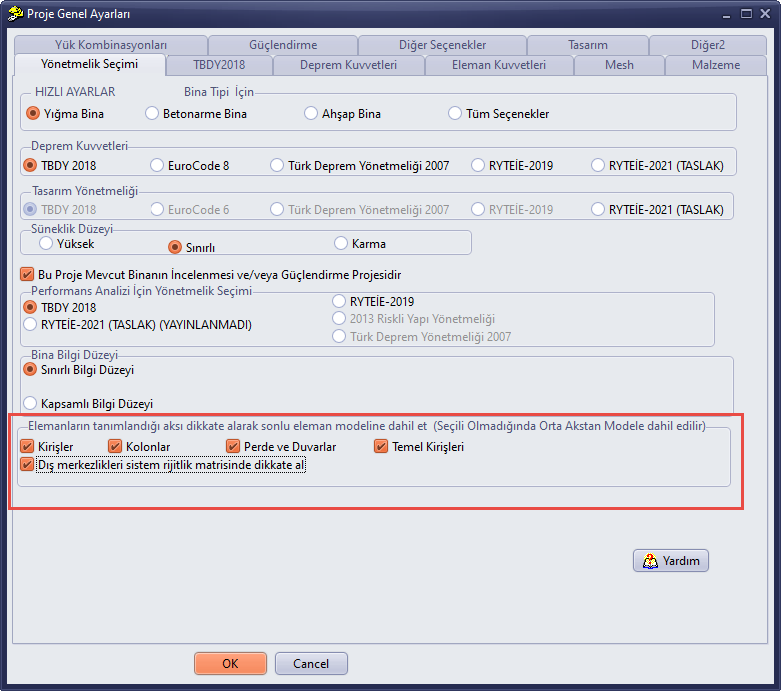
To use this feature, make sure the checkboxes in the red area of the image above are selected. When you draw elements by specifying an eccentricity value relative to an axis, slabs (and raft foundations) must be connected to beams and walls using the axis on which those elements are defined. With these options selected, elements will be created on the axis on which they are defined, and eccentricities will be mathematically brought to their physical position by being taken into account in the stiffness matrix. This approach results in both easier modeling and faster analysis, since the number of link elements generated by the program during analysis is reduced. When the options are selected, element intersections (slab–wall / slab–beam / beam–wall / beam–beam) must be made from the axis on which the elements are defined.
When the options are selected and a door or window is to be defined inside a wall, the door and window are defined using the axis on which the wall is defined and by assigning the eccentricity value given to the wall to the door and window. If the operation is performed correctly, the walls are subdivided taking the door and window openings into account, and the doors and windows appear as wall openings in the 3D view.
If you do not select the options, the center axes will be used in the finite element model, so element intersections must be made from the axis passing through the center of the element.
When the options are not selected and a door or window is to be defined inside a wall, the door and window are defined using the center axis of the wall and without specifying an eccentricity value (eccentricity = 0). If the operation is performed correctly, the walls are subdivided taking the door and window openings into account, and the doors and windows appear as wall openings in the 3D view.