Adding the 3D View of the Building to the Report
If you want the three-dimensional view of the building to be displayed at the angle of your choice in calculation reports, follow the instructions below.
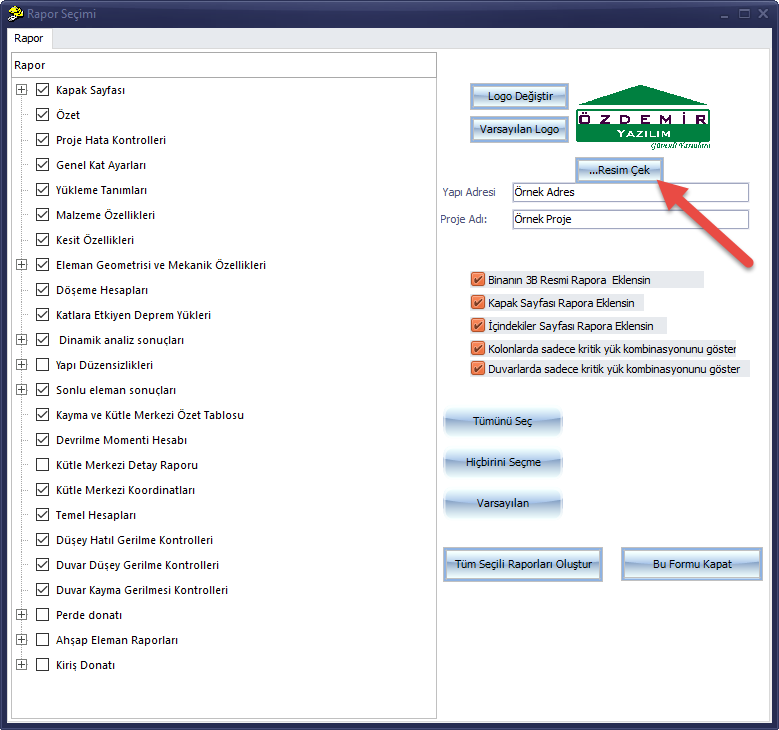
On the report selection screen, click the ...Capture Image button
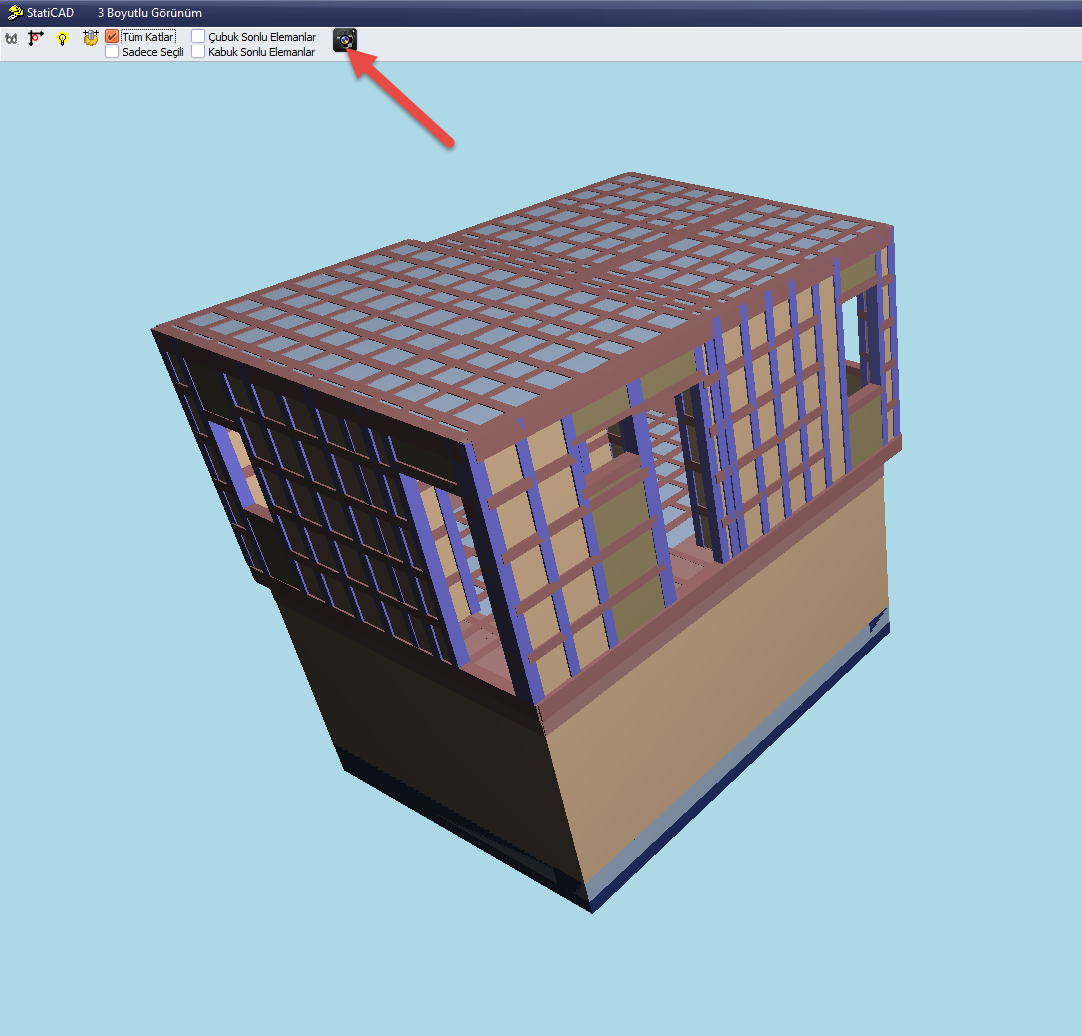
Then switch the 3D view to full screen, adjust the 3D view to the angle at which you want the building to appear in the report, and click the capture (camera) icon
In the Report Selection window, click the Generate All Selected Reports button

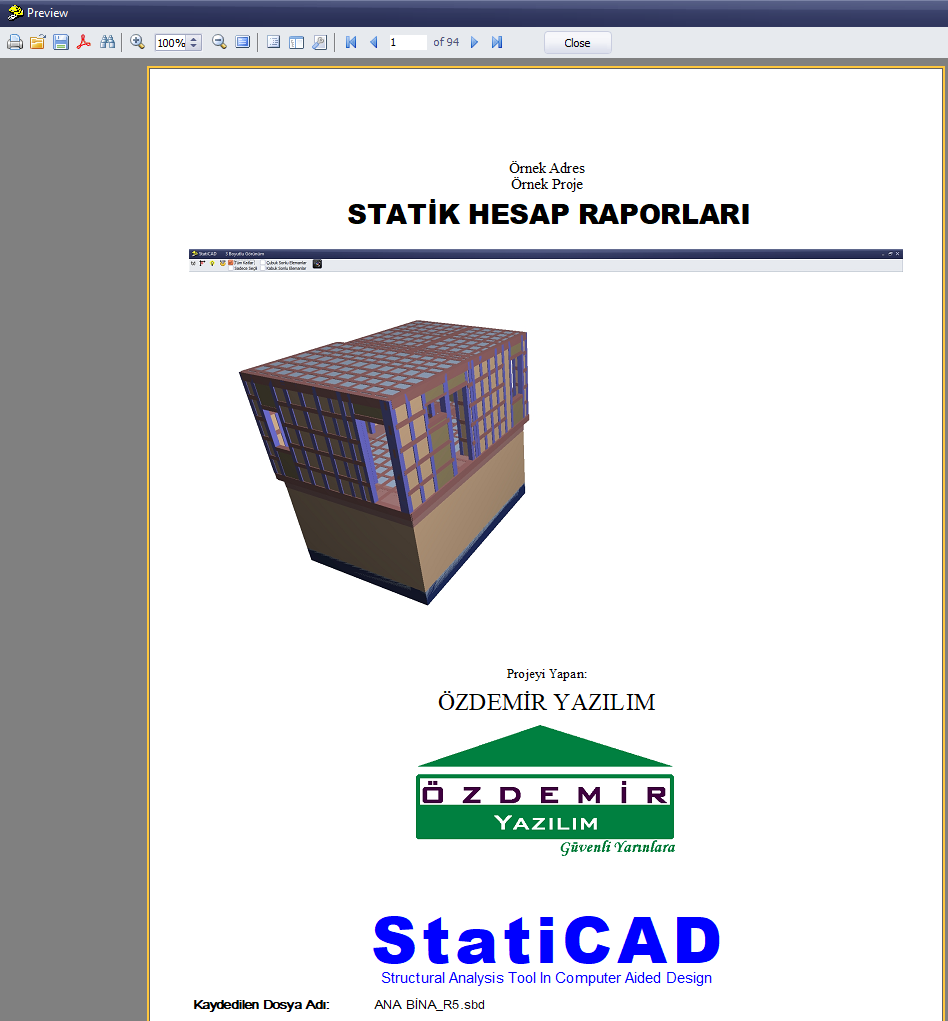
The generated report will display the 3D image of the building at the configured view angle